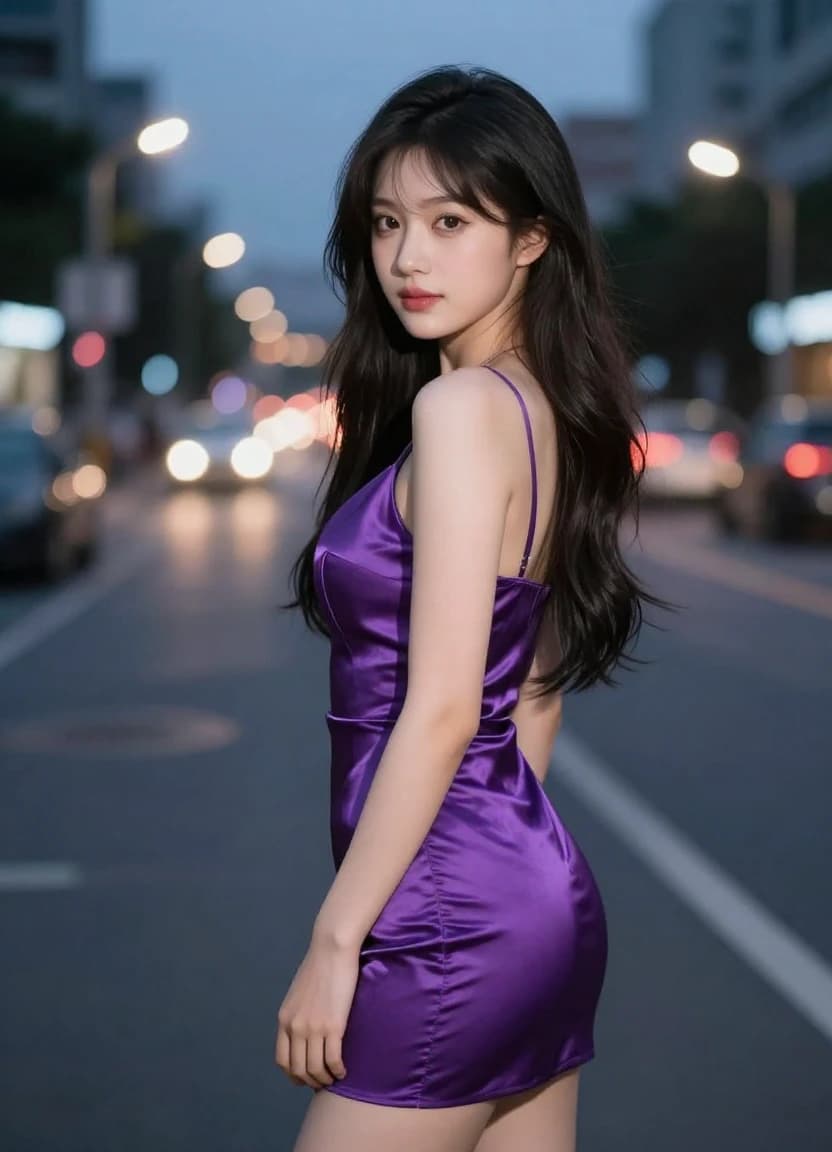
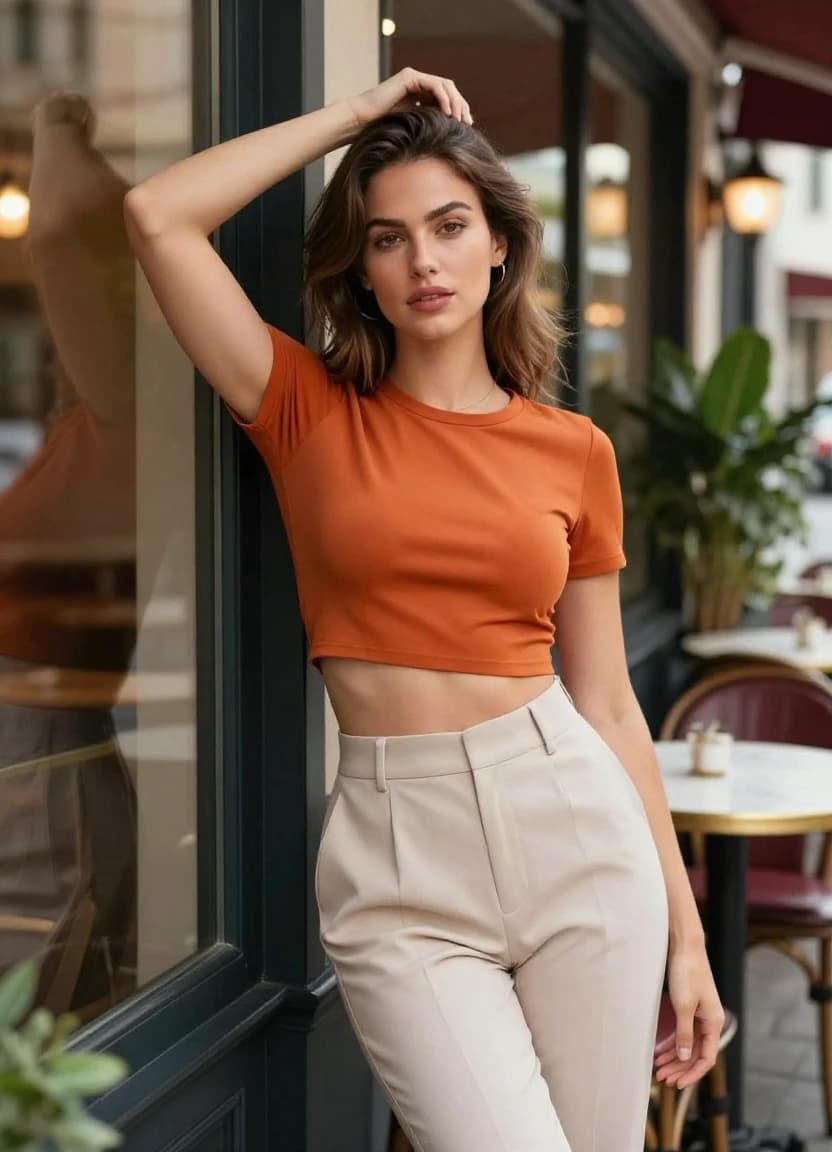
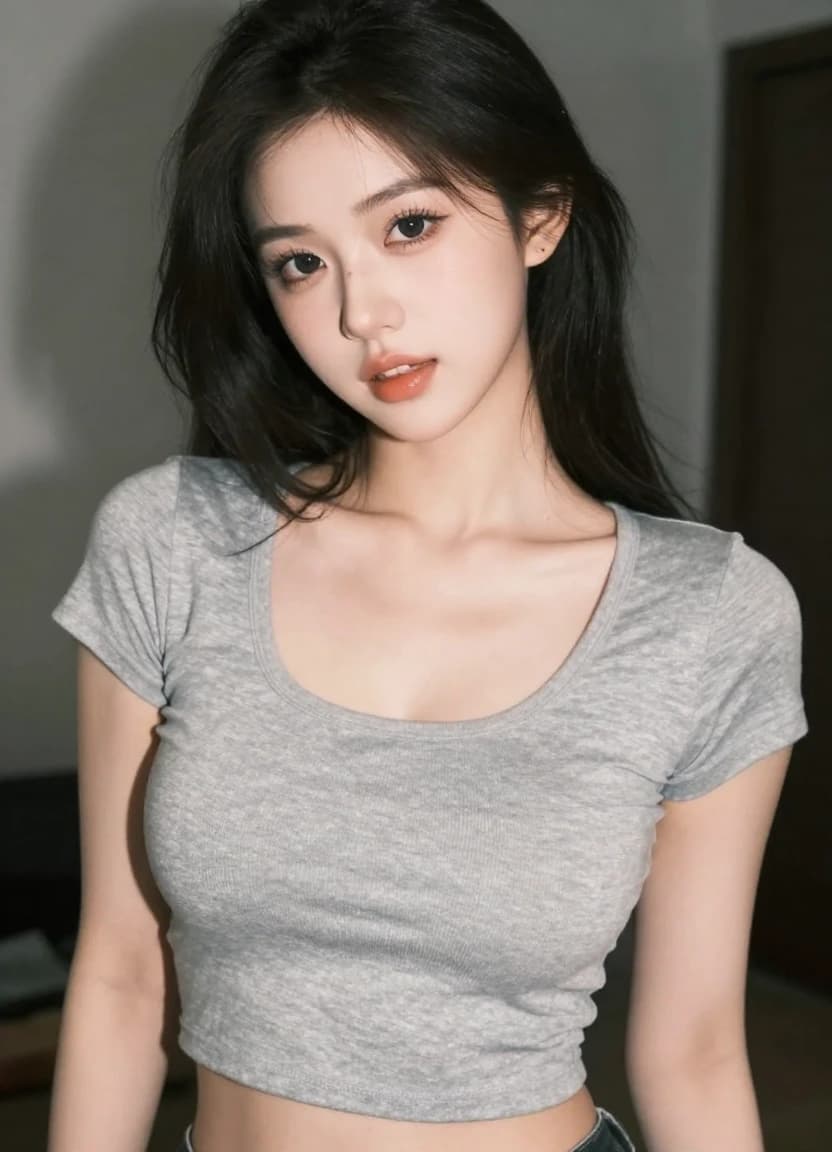
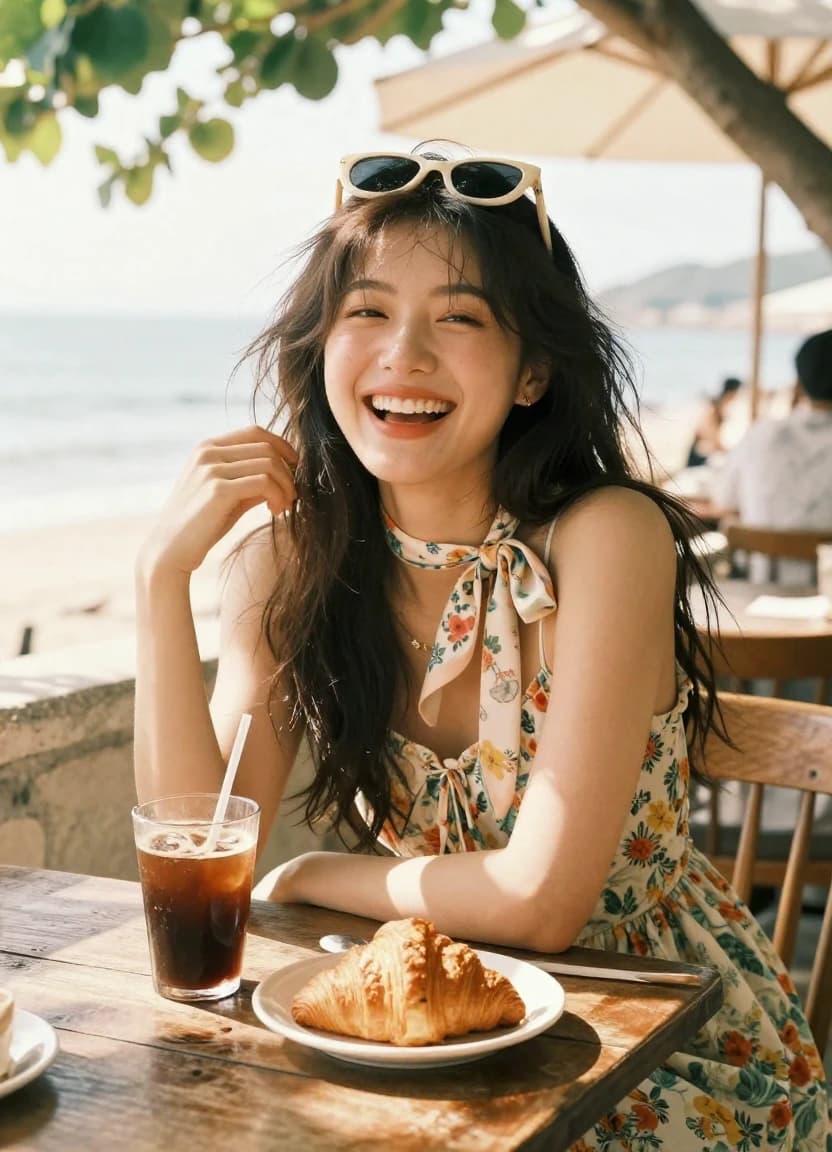
Image generation • 1:1 • 1K


Six AI Image Models — One Prompt, Six Interpretations
Why Pick One AI When You Can Compare All of Them?
Every AI model reads your prompt differently. GPT-Image leans creative, Flux 2 goes photorealistic, Seedream nails typography, Midjourney delivers art direction. Write your prompt once and run it through the model that fits your specific job.
Z-Image
Balances realism and creative flexibility. Strong across product shots, portraits, concept art, and abstract scenes. A reliable starting point when you're not sure which model to try first.
Best for: general-purpose use across a wide range of styles and subjects.
Flux 2
Preserves the structure of a reference and reskins it completely. Change lighting, season, mood, or material while keeping your composition exactly as-is.
Best for: style transfer, restyling product images, and environment swaps.
Nano Banana
Understands individual objects within a scene — not just the image as a whole. Tell it to remove sunglasses or change a shirt color and it does so without touching the rest of the image.
Best for: targeted object edits, semantic control, and precise modifications.
GPT Image 1.5
Handles unusual prompts and edge cases well. Good at creating images with complex object relationships, imaginative scenarios, and creative combinations.
Best for: creative exploration, unusual concepts, and multi-element compositions.
Seedream 4
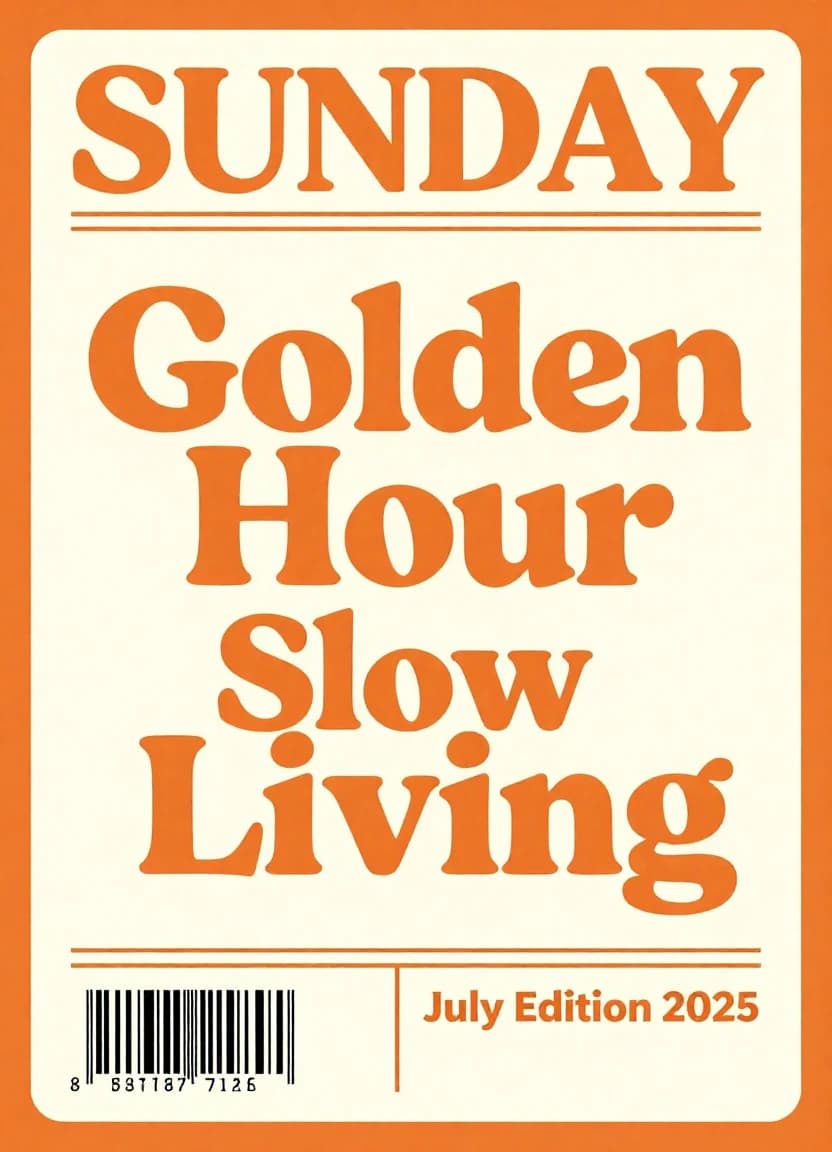
The only model that reliably renders clean, readable text inside an image. Build posters, ad creatives, and social graphics without the blurry or nonsensical text other AIs produce.
Best for: posters, ads, social covers, and any image that needs legible text.
Midjourney
Produces images with a distinct aesthetic — detailed, stylized, and unmistakably artistic. Popular among concept artists and brand designers who want images with strong visual personality.
Best for: concept art, editorial images, and visuals where style takes priority.
What People Actually Use It For
Real Use Cases, Right AI Model
From product photography to concept art, Fluxdeo's multi-model platform matches every creative and commercial image need to the model that handles it best.
| Use Case | Description | Recommended Model(s) |
|---|---|---|
| Product Photography | Create professional-grade product photos without the need for a studio. Place your product in any setting imaginable. | Flux 2Z-Image |
| Social Media Content | Generate eye-catching images for your social media feeds. Create custom memes, infographics, and more. | Seedream 4GPT Image 1.5 |
| Marketing & Advertising | Design unique visuals for your ad campaigns. A/B test different creatives to see what resonates with your audience. | Seedream 4Z-Image |
| Content Creation | Generate header images for your blog posts, illustrations for your articles, and thumbnails for your videos. | GPT Image 1.5Nano Banana |
| Design & Prototyping | Quickly visualize concepts and ideas. Create mockups and storyboards to bring your projects to life. | Nano BananaFlux 2 |
| Artistic Creation | Generate unique, artistic, and highly stylized images for creative projects, concept art, and digital illustration. | MidjourneyGPT Image 1.5 |
A Model for Every Vision
Choose the Right AI Model
Not sure which model to use? Here's a quick comparison to help you decide. Each model has unique strengths tailored to specific use cases.
| Model | Best For | Key Feature(s) |
|---|---|---|
| Z-Image | High-quality, general-purpose image generation | RealismVersatility |
| Flux 2 | Photorealistic restyling and style transfer | Preserves structureAlters mood & lighting |
| Nano Banana | Precise object manipulation and control | Semantic understandingDetailed edits |
| GPT Image 1.5 | Creative and diverse image generation | Wide range of stylesImaginative outputs |
| Seedream 4 | Images with text, posters, and ads | Crisp typographyExcellent text rendering |
| Midjourney | Artistic and stylized image generation | Unique aestheticsImaginative outputs |
How to Generate Images from Text
Three Steps to a Finished Image
No design skills needed. Describe what you want to see, pick the AI that suits the job, and have your image in seconds.
Write What You Want to See
Be specific. Instead of 'a beautiful landscape', try: 'Rolling green hills at golden hour, fog in the valley, lone oak tree in the foreground, cinematic composition.' The more detail, the closer the output matches your vision.
Pick the Right Model for the Job
Seedream if your image needs legible text. Flux 2 for restyling. Midjourney for editorial art direction. GPT-Image for creative or unusual prompts. Z-Image or Nano Banana for general high-quality generation.
Generate and Download
Your image generates in seconds. Not happy? Tweak the prompt or switch models — all in the same workflow, no new tab required. Download in PNG, JPG, or WebP.
Frequently Asked Questions
What Most People Ask Before Generating Their First Image
Six AI Models. One Prompt. Which One Gets It Right?
Stop guessing which AI will produce the image you actually want. Generate with all of them and compare. Your first images are on us.